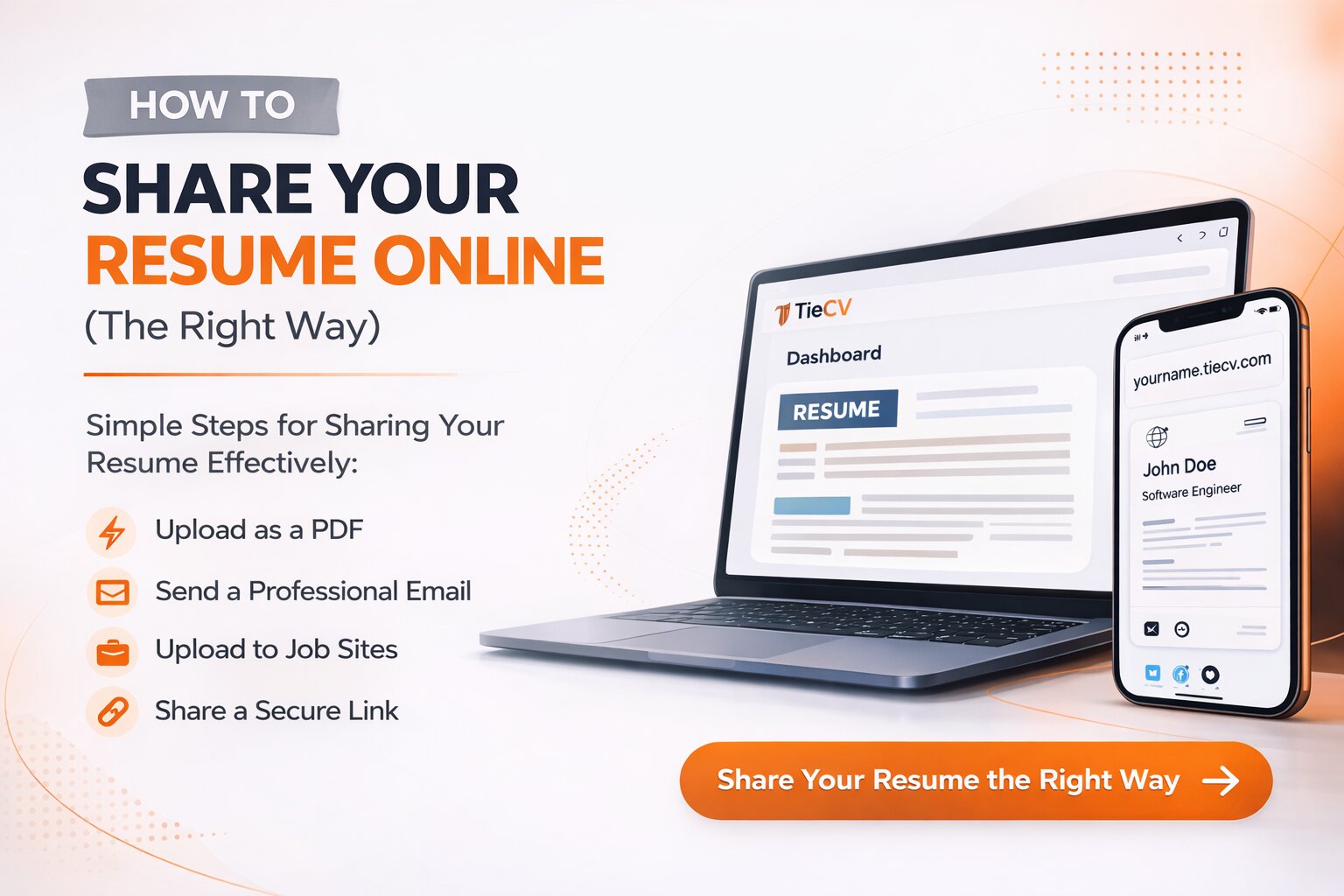
You've spent days perfecting your resume. The formatting is clean, the bullet points are strong, and your experience actually tells a story. Then you go to share it — and you paste a 94-character Google Drive URL into an email and hope for the best.
That URL is doing real damage to your job search. And the worst part? Most job seekers have no idea.
The Problem With How Most People Share Their Resume
There are three ways most job seekers share their resume today — and all three have serious flaws when used in the wrong context.
1. Email attachment
Attaching a PDF directly to an email is fine for formal applications. But it fails in almost every other context. You can't put a PDF in your email signature. You can't share it on LinkedIn. And every time you update your resume, the old file is already in someone's inbox — you can't update what you've already sent.
2. Google Drive or Dropbox link
This is where most people land — and it's a meaningful step up from nothing. But it still has serious problems. Drive links are long and unbranded. They frequently hit sign-in walls on corporate devices and school networks. The mobile experience is broken. And if you ever change your sharing settings, the link silently stops working.
3. No link at all
Plenty of job seekers just don't include a resume link anywhere. They rely entirely on attachments and hope the right person has the right file at the right time. This is leaving opportunity on the table every single day.
"Your resume link is the handshake before the handshake. A clumsy URL signals a candidate who hasn't thought carefully about presentation — before anyone reads a single word."
— Hiring manager, Fortune 500 tech company
What a Professional Resume Link Actually Looks Like
Compare these two links. Both lead to the same resume. Only one looks professional.
| Approach | What the link looks like | Opens without sign-in | Works on mobile | One-click download | Branded |
|---|---|---|---|---|---|
| Google Drive | drive.google.com/file/d/1BXKzn... | ✗ Sometimes | ✗ Often broken | ✗ Multi-step | ✗ No |
| TieCV | yourname.tiecv.com | ✓ Always | ✓ Perfect | ✓ Built in | ✓ Yes |
The difference isn't subtle. One looks like you borrowed a storage link. The other looks like you own your professional presence online.
How to Set Up a Professional Resume Link in Under 2 Minutes
Here's the exact process. This takes less time than writing a cover letter.
When you update your resume, just upload the new version to TieCV. Your link stays exactly the same — everyone who already has it automatically sees your latest version. No re-sending, no confusion about which file is current.
Where to Use Your Resume Link
Once you have a clean link, the question becomes: where do you put it? The answer is everywhere it makes sense — which is more places than you'd think.
- Email signature — Add a simple line: "Resume: john.tiecv.com". Every email you send becomes a passive career tool.
- LinkedIn profile — Drop it in your Featured section and your About bio. Recruiters who land on your profile can grab your resume without a conversation.
- Job applications — Any application that asks for a "website" or "portfolio" — use your TieCV link. It shows professionalism and gives them easy access to your full resume.
- Networking emails — When someone asks for your resume, send the link instead of an attachment. It's faster, more memorable, and more professional.
- Twitter / X bio — If you're active in your industry online, your resume link in your bio does quiet, continuous work.
- Cover letter header — Include it alongside your email and phone number in your contact block.
Common Mistakes to Avoid
Even with a great resume link, there are a few things that can undermine the impression you're trying to make.
Choosing a bad subdomain
Your subdomain is part of your professional identity. Avoid nicknames, numbers, or anything clever that might not age well. john.tiecv.com is perfect. johnny2cool.tiecv.com is not.
Uploading an outdated resume
The whole point of a hosted resume link is that it's always current. Make it a habit to update your TieCV page whenever you update your resume. It takes 30 seconds.
Forgetting to test your link
Before you add your link to your email signature or LinkedIn, open it on your phone, on a different browser, and ideally on someone else's device. Make sure it loads cleanly and the download button works.
Sending a link and nothing else
A great resume link doesn't replace a personalised message. Whether you're networking or applying, the link supports your outreach — it doesn't replace it. Lead with value, then point to the link.
Frequently Asked Questions
The Bottom Line
Sharing your resume with a clean, professional link takes less than two minutes to set up and costs nothing. The return — a stronger first impression, a link that actually works, and a professional presence you can point to anywhere — is substantial.
The job market is competitive enough without making it harder for recruiters to access your resume. Fix the link. Everything else you're already doing becomes more effective when the first thing a recruiter sees works flawlessly.
Create your free TieCV page and have a live resume link in under two minutes. No credit card. No technical setup. Just a link you're actually proud to share.